

Hotel digital signage from the lobby to the last banquet hall
Welcome guests by name, point them to the right function room, run the in-room dining menu, and change all of it from one login before the next check-in.
What is hotel digital signage?
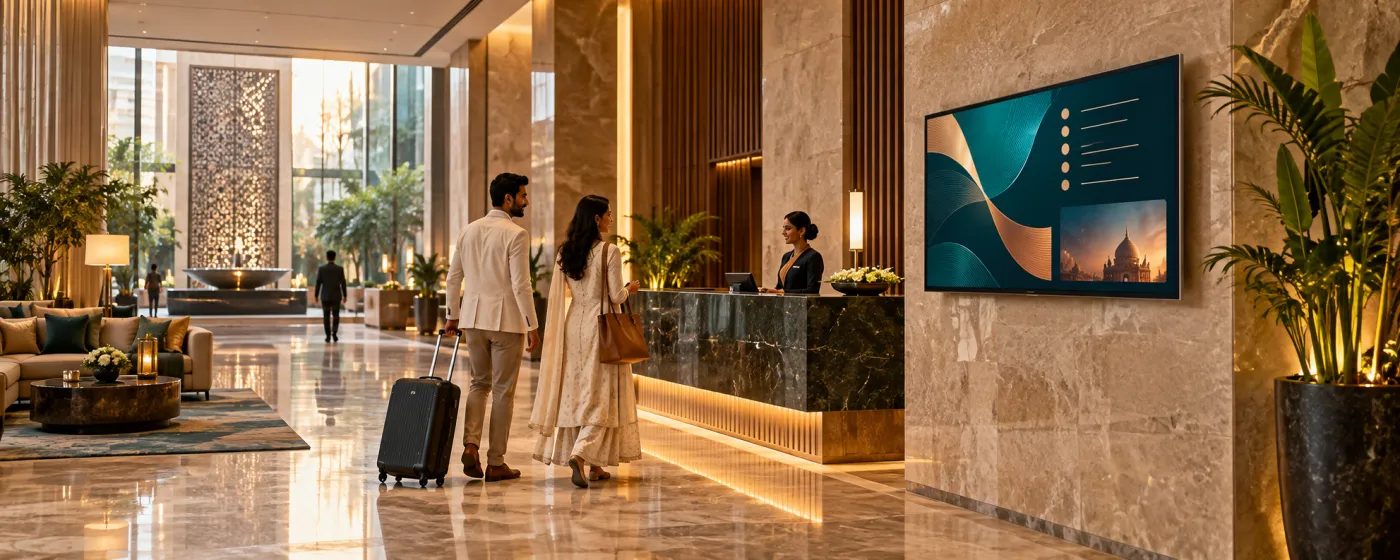
Hotel digital signage is the set of screens a property uses to orient and sell to guests: the welcome and event board in the lobby, directional screens on each floor, function-room and banquet directories, restaurant and bar menu boards, spa and pool promotions, and the staff boards behind the scenes. All of them are driven from one dashboard rather than a printer and an easel.
Hospitality changes faster than print can keep up with. A conference moves rooms, a wedding party arrives early, the restaurant is closed for a private function, tomorrow is a different set of groups entirely — and a foamboard sign at the lift is wrong within hours of being made. Screens turn every one of those changes into an edit, which is the difference between a property that looks organised and one that looks improvised.
DigiSign runs on the TVs and displays a property already has, paired with an Android TV stick, a Windows PC or a supported browser. Multi-property groups run every hotel from one account with screen groups per property, so a brand campaign lands everywhere and the local event board stays local.
Every guest-facing surface in the property
And the back-of-house screens that keep it running.
Lobby & check-in
Named welcomes for arriving groups, today’s events, the weather, world clocks for international guests, and what is on in the city tonight.
Lifts & floor landings
Directional screens that tell a guest which way the room numbers run and where the function rooms, gym and breakfast are — the questions the front desk answers most.
Restaurants, bars & room service
Menu boards that day-part from breakfast to dinner, wine and cocktail lists, happy-hour pricing, and the in-room dining menu on the guest-room screen.
Conference & banquet floors
A directory board for the day’s functions plus a screen outside each room showing the session, the host and the timings — rebuilt for tomorrow in minutes.
Spa, pool & leisure
Treatment menus, class timetables, opening hours and offers, positioned where a guest is already relaxed enough to book something.
Back of house
Occupancy, arrivals and VIP notes, shift rosters, safety briefings and service standards on staff-corridor and housekeeping screens.
What hotel teams put on the screens
Six jobs that make a property feel run rather than improvised.
Welcome and event directories
Greet arriving groups by name and list the day’s functions, rooms and timings. Where the schedule lives in a spreadsheet, the Data Plugin puts that sheet on the board directly.
F&B menu boards that day-part
The built-in Digital Menu Board app handles items, prices, images, offers and dietary tags, and switches between breakfast, lunch and dinner on a schedule without staff touching it.
Guest wayfinding
Floor directories and directional screens updated centrally, so a relocated function or a closed facility does not leave a wrong sign standing at the lift for a day.
Local guide, weather and world clocks
Live local weather, multi-zone world clocks for international guests and city headlines make a lobby screen worth looking at. Weather is a Command-plan app; World Clock and news are on Ignite.
Upsell spa, dining and late checkout
Promote the restaurant to lobby traffic, the spa to pool traffic, and put a QR code on the screen so a guest can book from where they are standing.
Function-room scheduling
The Calendar app reads any ICS feed and the Outlook Calendar app connects Microsoft 365 over OAuth, so meeting-room doors show their own live schedule.
Tomorrow’s board built in minutes
A new set of groups, functions and timings is an edit rather than a print run, an easel and a member of staff walking the floors.
Fewer questions at the front desk
Wayfinding and event boards answer the two things guests ask most, which frees the desk for check-in during the hour it is busiest.
One account, every property
Group screens per hotel so a brand campaign reaches the whole group while each property keeps control of its own event and menu boards.
Popular apps for hospitality
Drop these onto any screen — no setup required.
- Digital Menu Board — F&B and in-room
- Data Plugin — event schedules
- Calendar & Outlook Calendar
- World Clock
- Weather (Command)
- AI Studio — promo design
- QR Code — bookings
- News — 10 live feeds
- YouTube & Live Stream
- Quick Post — instant notices
Hotel digital signage questions, answered
Lobby welcomes and event directories, floor and facility wayfinding, restaurant and bar menu boards, in-room dining menus, spa and leisure promotions, meeting-room schedules, and back-of-house staff boards. The common thread is information that changes daily and used to be printed.
Yes. Build the directory on the canvas, or point the Data Plugin at the Google Sheet or CSV your events team already keeps and let the board follow it. For individual room doors, the Calendar app reads any ICS feed and the Outlook Calendar app connects Microsoft 365 through OAuth.
Yes — the Digital Menu Board app is built in, with items, prices, images, offers, dietary tags, branded themes and day-part scheduling, so breakfast becomes lunch becomes dinner on its own. It runs on the same account and the same screens management as the rest of the property.
Yes. Group screens by property, then by area within each property, and target a playlist at one group, several, or every hotel in the group. Role-based access lets a property manage its own boards while brand content is published centrally.
In most cases. The player runs on Android TV boxes and sticks, Windows PCs, and supported browsers, so a display with an HDMI input can be paired with a code. There is no proprietary hardware requirement.
Yes. Scheduling includes automatic screen-off hours, so lobby and F&B screens power down outside service hours and come back on before the first guest does.
Per screen, per month. Ignite is ₹249 per screen (introductory, then ₹349) and includes menu boards, calendars, the Data Plugin, World Clock, scheduling, real-time broadcast, monitoring and the AI Studio. Command at ₹699 per screen (then ₹999) adds Weather and the other premium live-data apps plus audit logs, an SLA and onboarding. Every plan starts with a 7-day free trial. Read the India digital signage cost guide.
Keep reading
-
Digital menu boards in depth
Day-parting, price sync and sold-out handling for hotel F&B outlets.
-
Event & venue signage
Agendas, session boards and sponsor screens for conferences and banquets.
-
The live app catalogue
Menu boards, calendars, world clocks, weather and everything else built in.
-
Per-screen pricing
What Ignite, Command and Infinite cost, and which apps land in which plan.
Before a rollout, use the screen setup and player compatibility guide to test your device, embedded pages, network recovery and scheduling. Source sites must allow embedding; live content needs its source connection. Use signage alongside your established emergency communication channels.
Your screens are waiting. Light them up.
Put live content on the screens you already own. Start free today — no credit card, no commitment.
- 7-day free trial
- No credit card
- Cancel anytime