

Every tool you need to run great screens
From the first pairing code to a fleet of thousands, DigiSign handles design, delivery, scheduling and monitoring — so your team can keep content current and investigate playback problems.
What does digital signage software do?
Digital signage software connects content creation, scheduling and screen management in one workflow. DigiSign lets a team pair players, design layouts, assign playlists to screen groups and monitor what players report. Evaluate these capabilities together on your own hardware: a design tool alone does not tell you whether the scheduled content reached the right display.
New to signage? Follow the screen setup and player compatibility guide before your first rollout.
Six pillars, one dashboard
Screens, canvas, broadcast, scheduling, monitoring and enterprise controls — each one deep enough to run a network, simple enough to learn in an afternoon.
Screen management
Pair any display in seconds with a pairing code. Group screens, see live preview thumbnails, and reboot, power off or push content remotely.
Drag-and-drop canvas
Every element type you need — text, video, YouTube, shapes, QR, tickers, live apps — with a full animation library, timeline keyframes and gradient styling.
Real-time broadcast
Publish to connected players and use Quick Post for an announcement. Delivery depends on connectivity and the content being loaded.
Playlists & scheduling
Nested playlists with drag-and-drop ordering, calendar scheduling with daily/weekly/monthly repeats — even auto screen-off hours.
Live monitoring
Online status, RAM, disk and uptime for every player, offline alerts, and on-demand screenshots for proof-of-play.
Enterprise-grade
Role-based access with custom per-feature roles, publish & licensing audit logs, Google SSO, storage quotas and per-screen licensing.
Pair thousands of screens, control them like one
Bring any display online with a pairing code, then group and target screens however your business runs. Every player reports back constantly — so you always know what's on the wall.
- Code-based pairing on any device
- Live preview thumbnails per screen
- Remote reboot, shutdown & screen on/off
- RAM, disk & uptime heartbeat metrics
- On-demand screenshots (proof-of-play)
- Groups & bulk actions
Your screens
248/250 online
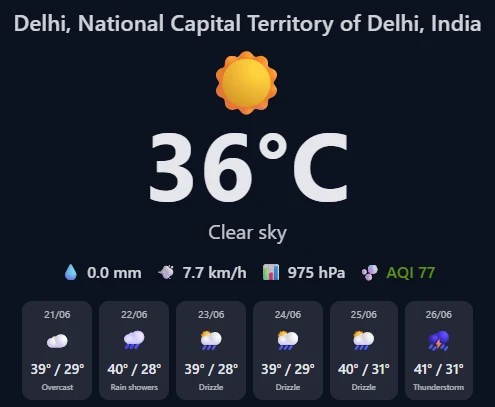
Lobby · HQ
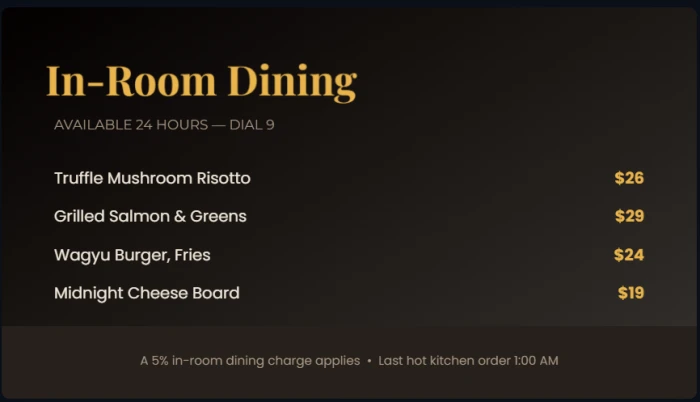
Cafe counter
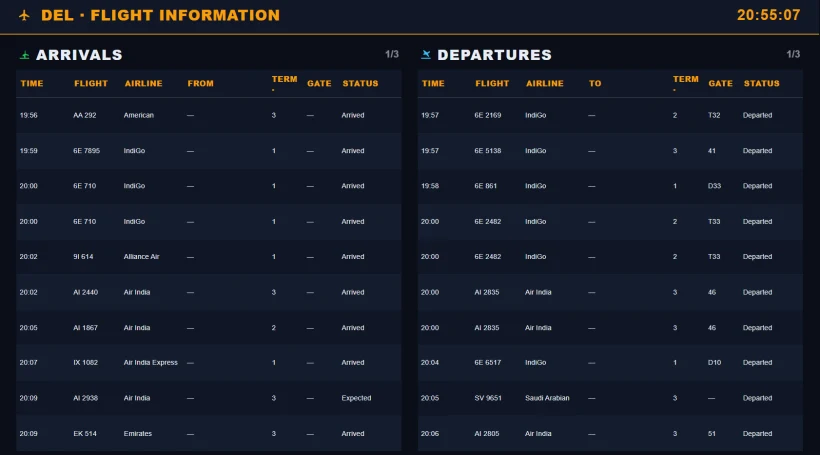
Terminal 2
Design broadcast-quality signage without a designer
Every element you need on a layered canvas — text with tickers, video, YouTube, shapes with gradients and shadows, QR codes, PDFs and every live app. Animate anything with a full library of entrance, exit and looping effects, plus timeline keyframes.
- Rich element types, pixel-perfect
- Entrance, exit & looping animations
- Templates across every industry
- Custom fonts (TTF/OTF) + 100s of Google Fonts
- Gradient fills, shadows & rounded corners
- Ticker & marquee text modes
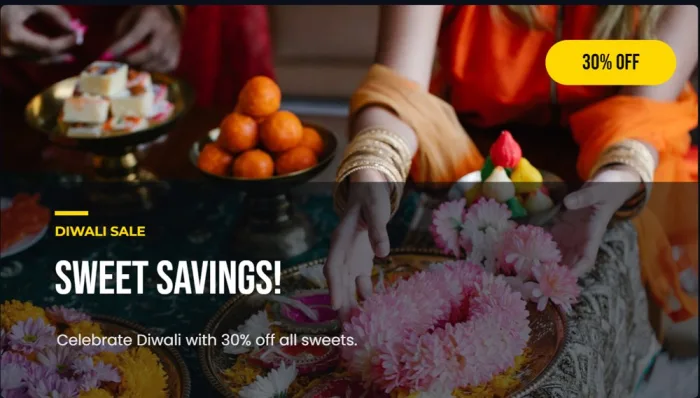
Animations
Publish updates to connected screens
Connected players receive updates over a live connection. Delivery depends on connectivity and the media being loaded. Use Quick Post for an announcement, then confirm the result on the intended screens.
- Live delivery to connected players
- Quick Post — type, pick screens, live
- Offline-resilient playback
- Publish audit trail per screen
- Publish to one screen or all
- Rides out network blips gracefully
Quick Post
The right content, automatically, at the right time
Plan on a real calendar — week or month view — with repeats and filler content for the gaps. Screens can even switch themselves off overnight and wake for breakfast.
- Calendar scheduling (week & month)
- Daily, weekly & monthly repeats
- Auto screen-off hours
- Filler content for gaps
- Nested playlists, drag-and-drop order
- Per-item durations — or forever
This week
Repeats weeklyMon
8–11 am
11 am–4 pm
4–10 pm
10 pm–8 am
Tue
8–11 am
11 am–4 pm
4–10 pm
10 pm–8 am
Wed
8–11 am
11 am–4 pm
4–10 pm
10 pm–8 am
Thu
8–11 am
11 am–4 pm
4–10 pm
10 pm–8 am
Power features, built in
The small things that make day-two operations painless — all included on every plan.
Media library with stock built in
Images, video, audio and PDFs in nested folders with favourites, search and bulk upload — plus free stock photos, searchable right inside the library.
Playlists that nest
Mix media, webpages, apps, layouts — even other playlists — in one ordered list with per-item durations and drag-and-drop reordering.
Players for everything
Native Windows and Android players plus a browser player for any smart display. Versioned installers, one-click download from the dashboard.
Your fonts, everywhere
Upload brand fonts (TTF/OTF) or pick from hundreds of Google Fonts — applied consistently across canvas, apps and players.
Interactive & touch mode
Turn any screen into a kiosk: load interactive content by URL, set touch timeouts, and trigger content remotely.
Proof-of-play
Request a live screenshot from any player on demand, and query the publish audit log to prove exactly what played, where and when.
Design signage with AI, in seconds
DigiSign is an AI-powered digital signage platform. Describe the signage you want — a festive sale, a menu, an event poster — and the AI Studio composes a complete, on-brand design on your canvas in seconds. Then refine it in a chat and publish to any screen.
Describe your vision
The AI Studio understands context. Type in English, Hindi, or a mix of both — name the occasion, the offer and the vibe, and watch the canvas come alive.
Multi-language prompt
“Diwali sale — 30% off sweets, Hindi + English, festive”

Pick your favourite
One prompt returns an entire gallery of finished, ready-to-run designs — each with its own photography, palette and type treatment. Skim the wall, keep the one that feels made for you.



 …and a whole gallery more
Refine in a conversation
Don't like the font? Want a QR code? Just ask — the Studio iterates on the same design until it's perfect, then saves it as a reusable template.
AI Assistant
“Make the background darker and add a QR code for the menu in the bottom-right corner.”
One prompt, a gallery of designs
Type what you want — "Diwali sale, 30% off sweets, Hindi + English" — and the Studio composes a whole gallery of photo-led layouts from a single credit. Pick one, refine, publish.
Refine it in a chat
It's conversational: ask for changes — 'make it darker', 'add a QR code', 'use our brand colours' — and the AI iterates on the same design. Your last 30 sessions stay saved.
Photo-led & on-brand
The Studio pulls in relevant photography and matches your fonts and brand colours, so every design looks made for you — never a generic template.
Prompt in any language
Type in English, Hindi or a mix — the AI reads the occasion, the offer and the vibe, and designs to match. Built for India's multilingual screens.
Save as reusable templates
Love a design? Save it to your library as a named template and spin up on-brand variations for the next campaign in one click.
Fair, transparent credits
₹1 = 1 credit, recharged instantly via UPI or card. New accounts start with 20 free credits — and failed generations are refunded automatically.
The old way
- Hire a designer or wrestle a clunky editor
- Hours per board — and a queue when you scale
- Static content that quietly goes stale
- One-off files that are painful to reuse
With DigiSign AI
- Describe it in plain English — in any language
- A finished, on-brand design in seconds
- Photos, fonts and colours matched to your brand
- Refine in a chat, then save & reuse as a template
Multi-language prompts (including Hindi). Every AI design is yours to edit by hand, save as a template and reuse. Fully customizable on request.
Try AI design freeDigital signage in 3 easy steps
No installers to fight, no servers to run. If you can drag a file, you can run a signage network.
 Step 01
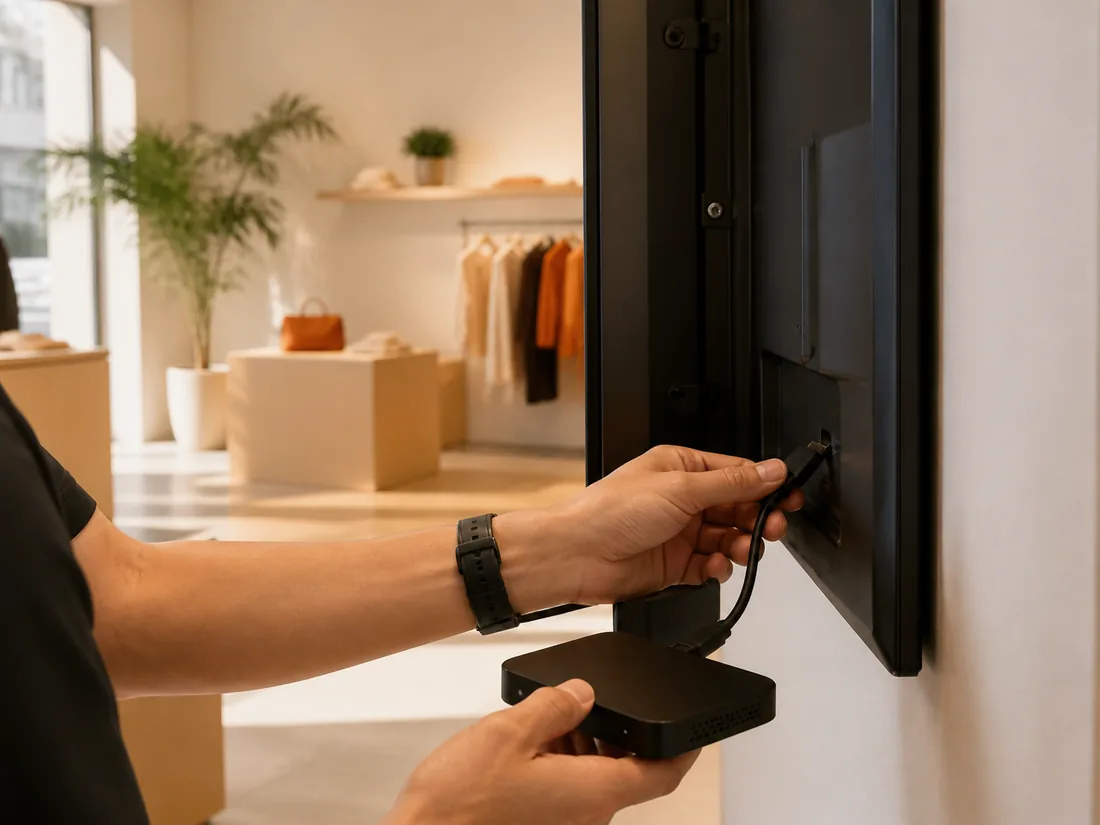
Pair your screen
Install the free player on a compatible Android or Windows device, or use a supported browser. Type the pairing code — the screen appears in your dashboard, ready for content.
 Step 02
Create your content
Ask the AI Studio, start from templates for every industry, or build on the blank canvas. Drop in live apps — news, menus, calendars and more.
 Step 03
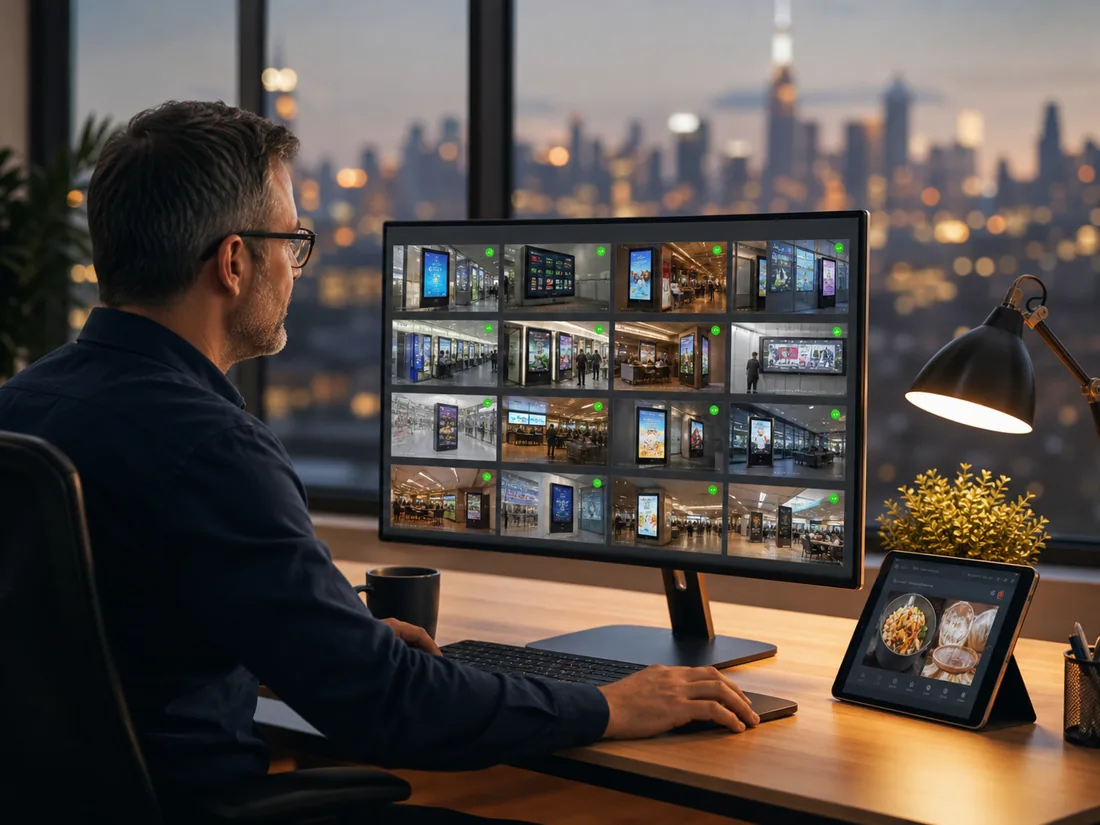
Publish & monitor
Build playlists, day-part by schedule, and go live on one screen or all of them at once. Then watch online status, uptime and live screenshots from anywhere.
Frequently asked questions
Test the complete workflow on one display: pair the player, upload your real content, build a playlist, schedule a change and check its screenshot. Confirm readability, playback and network recovery before comparing more advanced features.
Yes. Group screens by location or purpose and assign the appropriate content and schedules to each group. A central team can manage the fleet while keeping a lobby, menu board and staff screen on different playlists.
Players can continue playing cached content during a connection interruption. Live feeds and embedded webpages may still need connectivity. Test your chosen player with your actual content offline, then check how it resynchronises.
A remote screenshot helps confirm what the player rendered at a particular time. It is useful alongside player status and publish logs, but it does not by itself prove continuous playback, display power or audience exposure.
Your screens are waiting. Light them up.
Put live content on the screens you already own. Start free today — no credit card, no commitment.
- 7-day free trial
- No credit card
- Cancel anytime