

Digital menu boards: a practical guide to selling more
Day-parting, layout, motion and pricing psychology — the small decisions that turn a menu board into your best server.
Published by Dynamb Technologies
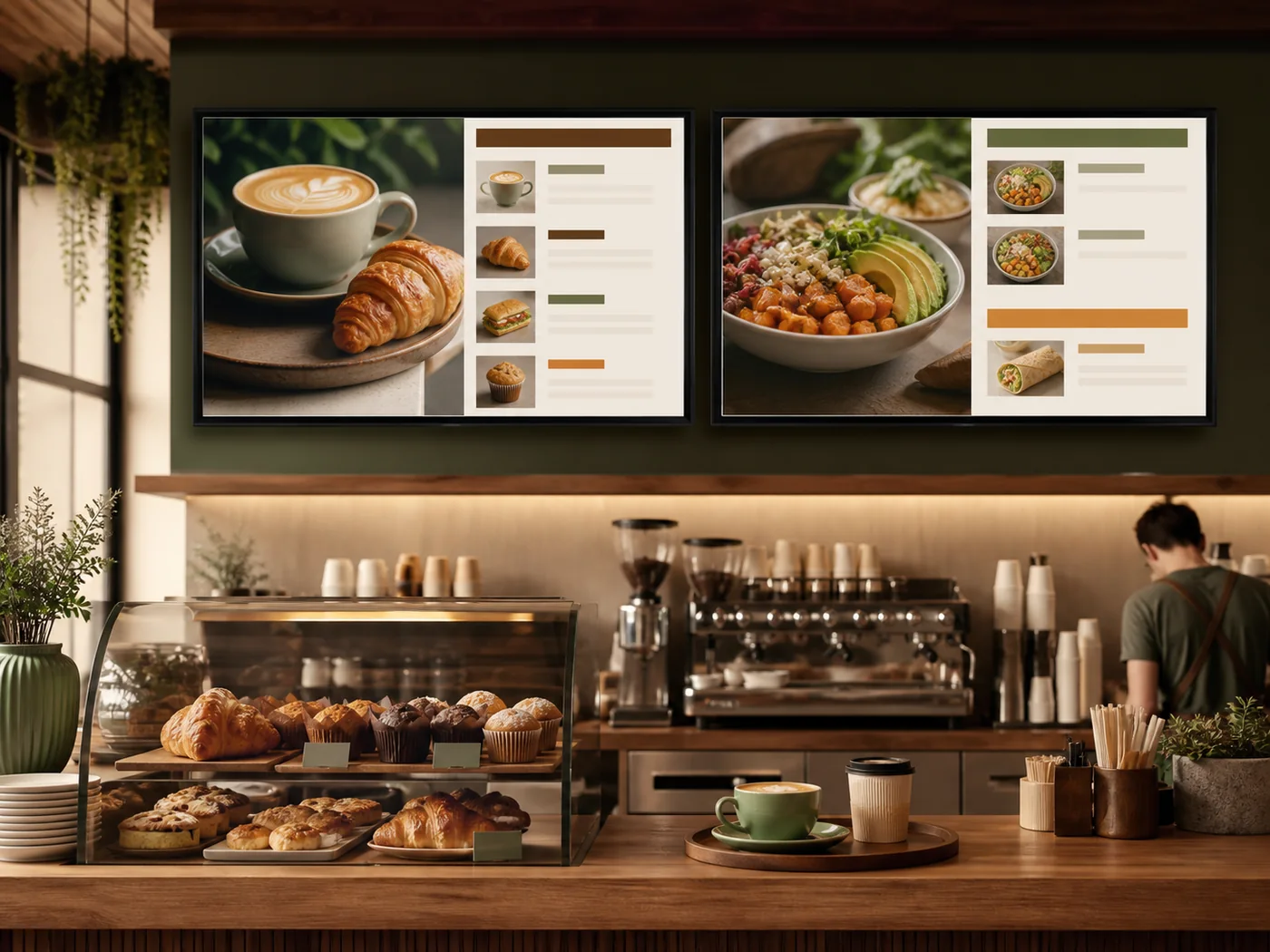
A great digital menu board does more than list prices — it guides the eye, removes friction, and nudges the order toward the items you want to sell. Here's how the best operators set theirs up.
Start with day-parting
The single biggest win is showing the right menu at the right time automatically. Breakfast at 6am, lunch at 11, dinner at 4 — your staff should never have to flip a board manually.
Set it up once per outlet: the breakfast, lunch and dinner boards each become a playlist with a start and end time, and weekend or holiday menus follow the same pattern on their own schedule. The board is then right on a Sunday morning without a manager remembering to change it.
Keep prices and availability in one place
The most expensive menu-board mistake is a price or an item that no longer matches the till. Decide which system is the source of truth and make the board follow it. In DigiSign you can hide a sold-out item or change a price once and every connected board updates. If your prices already live in a Google Sheet, the Data Plugin can render that sheet on the board directly, so the two cannot drift apart.
Design for a 5-second glance
Customers read a board in a queue, distracted, from a few metres away. Big type, high contrast, and no more than three columns. If you can't read it from across the room, it's too busy.
Group items in the order people decide: category first, then item, then price. Keep one price per line, put sizes and add-ons in the same place every time, and use photographs for the few items you most want to sell rather than for everything. Where many of your customers read Hindi as easily as English, show both on the items that matter most instead of doubling every line.
Use motion with restraint
One animated combo or limited-time offer draws the eye. Five animations cause paralysis. Motion is a spotlight — point it at the thing you most want to sell.
- Anchor with a hero combo top-left, where the eye lands first
- Hide sold-out items instantly so you never disappoint at the counter
- Show calorie and allergen info where required — once, cleanly
Draft faster, then review
DigiSign's AI Studio turns a prompt such as "weekend brunch specials, English and Hindi" into a set of layouts you can refine in a chat and save as templates. Treat every generated board as a draft: check each price, spelling and dietary tag before it reaches a screen.
Check the rules that apply to you
Food businesses in India should confirm which FSSAI labelling and display requirements apply to their outlets, such as whether calorie or allergen information has to be shown, and design the board so that information stays legible rather than squeezed into a footer.
Measure and iterate
Because changes are instant and free, you can A/B a layout in a single lunch rush. Try a new hero item, watch the counter, keep what works.
Keep the comparison fair: change one thing at a time, compare the same day-part on similar days, and judge the result by till data rather than by how busy the counter felt.
- Read every board from the back of the queue before it goes live
- Watch each day-part transition happen at its scheduled time
- Hide one item and confirm every board in every outlet reflects it
- Check a window-facing board in daylight
Updated September 19, 2026